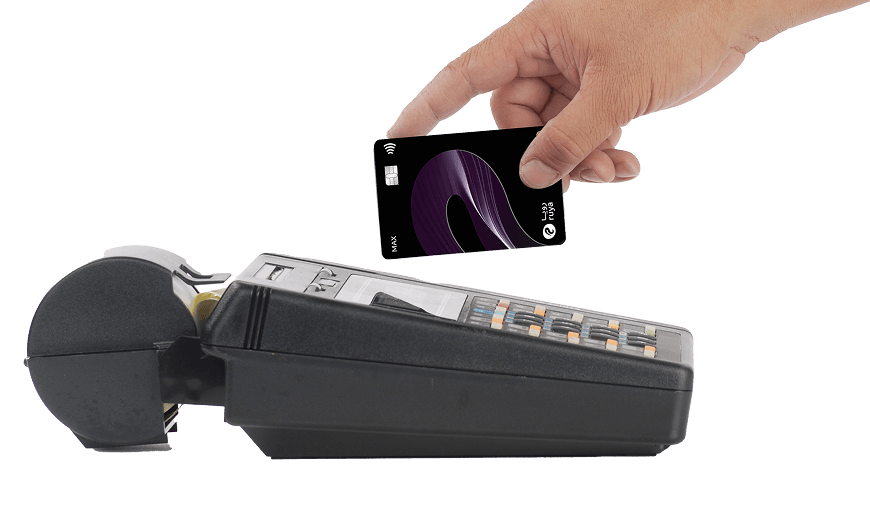
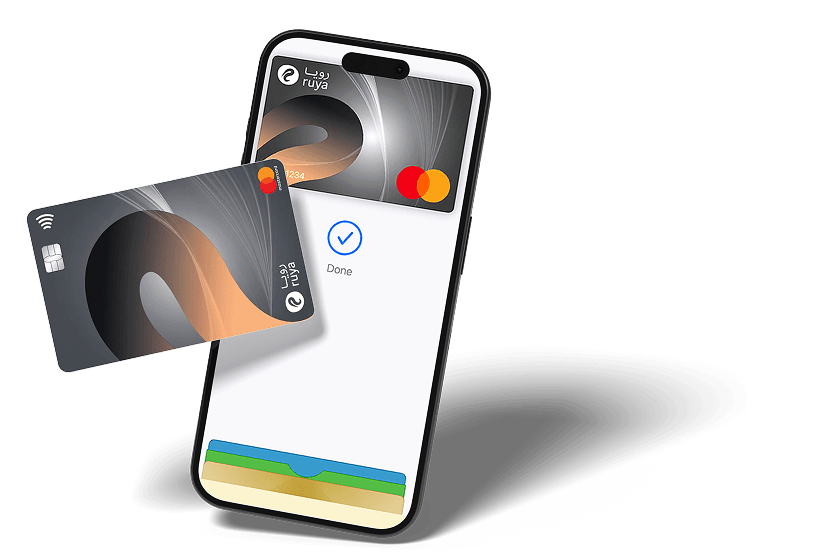
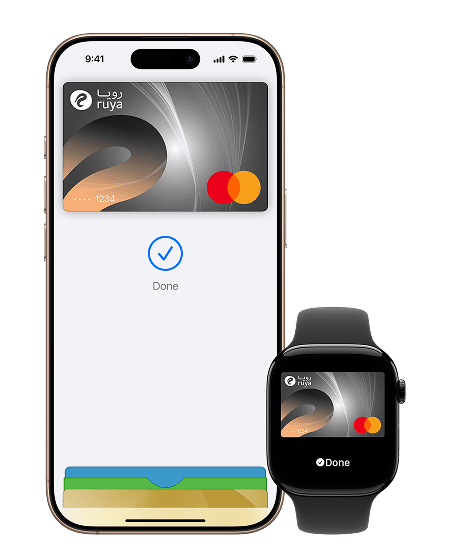
Go ahead, leave your wallet at home. With Apple Pay, you can pay with your ruya card right from your iPhone or Apple Watch.
key benefits
Go ahead, leave your wallet at home. With Apple Pay, you can pay with your ruya card right from your iPhone or Apple Watch.
Apple Pay uses the security features built into your Apple device, including Face ID and Touch ID—which are designed so only you can authorize payments.
Apple Pay uses the security features built into your Apple device, including Face ID and Touch ID—which are designed so only you can authorize payments.
easy activation

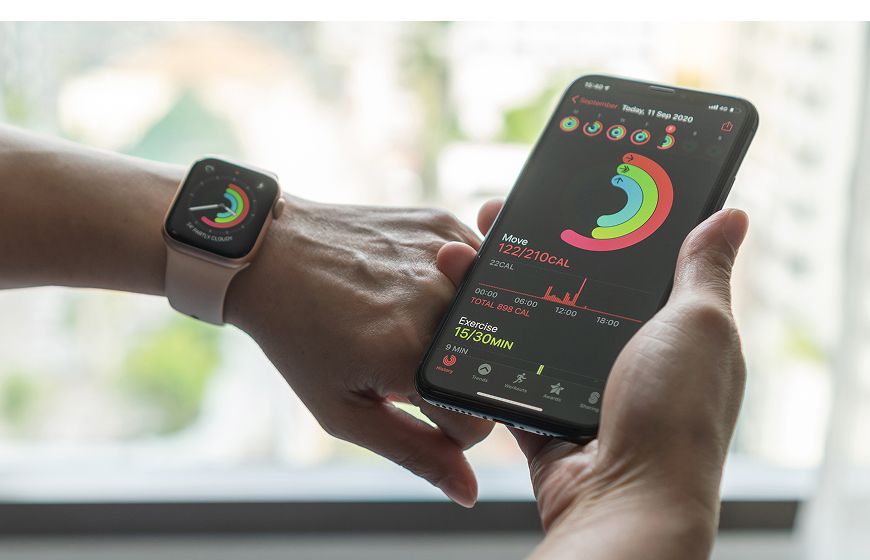
Open Apple Wallet on your iPhone and tap the plus sign (+) to get started. You also have the option to add your card to any paired Apple Watch.

To get started, open Apple Wallet on your iPhone or Apple Watch, or select Wallet & Apple Pay in System Preferences on your iPad or Mac.

To get started, open your bank app and follow the instructions.
How to Pay
To open a Ruya Kids Account, a parent must provide valid ID, proof of guardianship, and the child’s birth certificate or Emirates ID.

To open a Ruya Kids Account, a parent must provide valid ID, proof of guardianship, and the child’s birth certificate or Emirates ID.
Download App
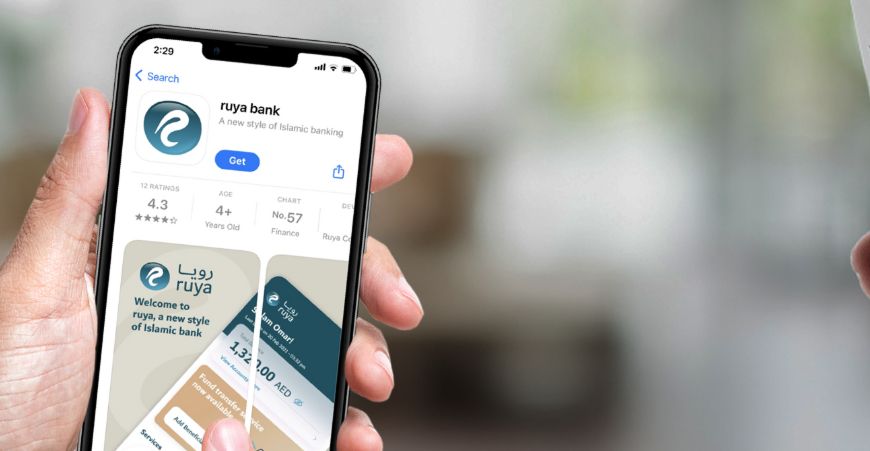
Fast and secure Islamic banking in the UAE without the need for physical documents. The ruya bank app is available to download from the Play store and App Store.
Download App:
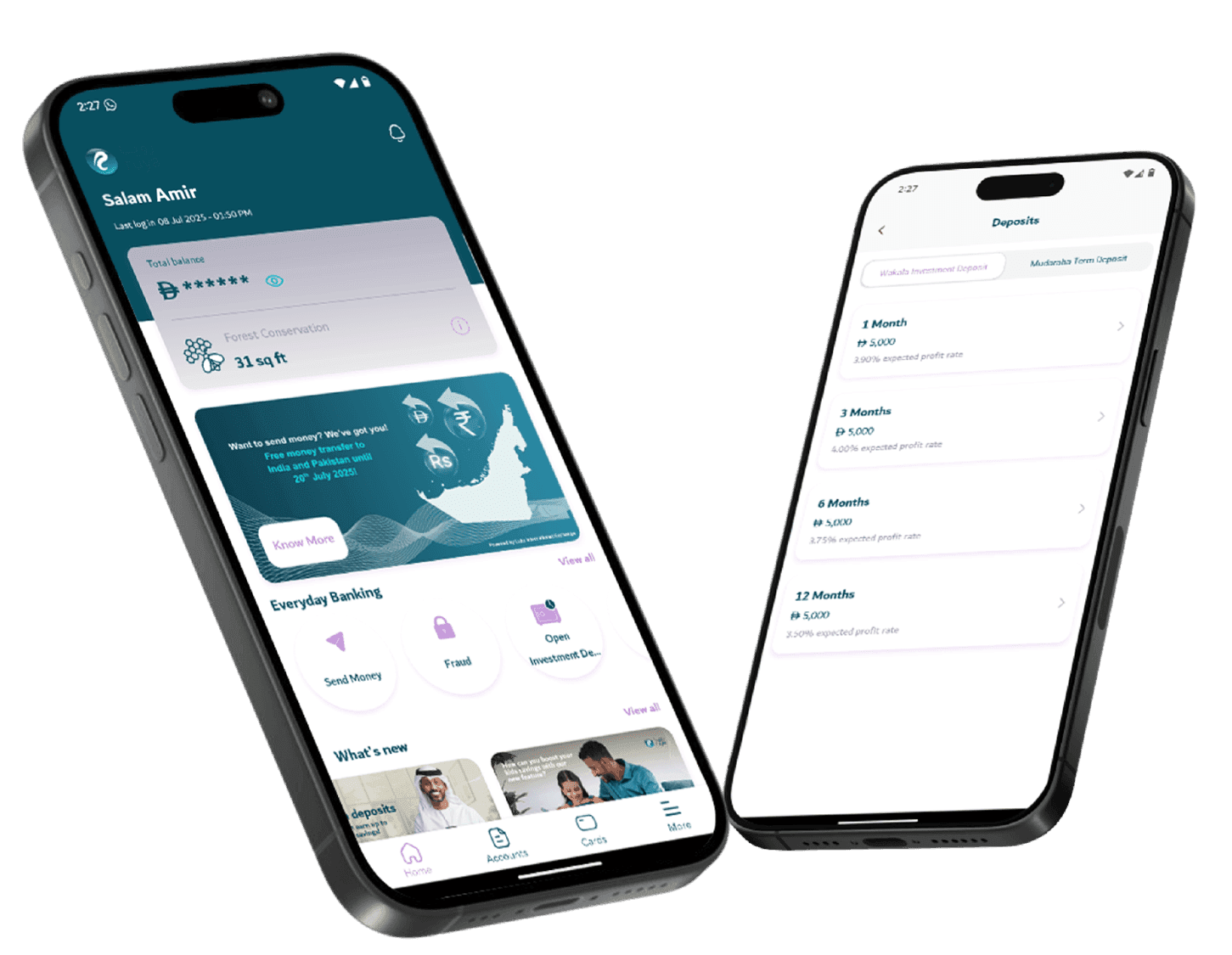
 Real-time fund transfers between accounts
 Offering 24/7 access to your Finance
 Digital-first banking interface